
















 Fabian
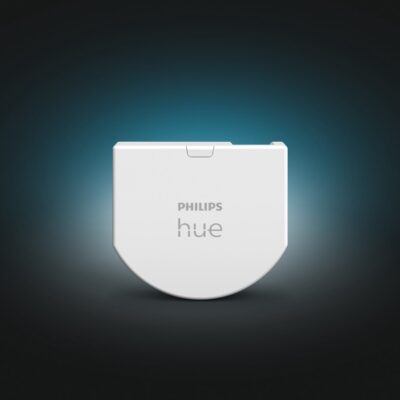
It shouldn’t be too much time until the Philips Hue Wall Switch Module is available in stores. Unfortunately, Signify has not yet communicated an exact launch date for the product, which was introduced in January, but officially it should be ready in spring (in Europe). However, thanks to a reader’s email from the Netherlands, I can already show you how exactly the new module is configured in the Hue app.
How to connect the Hue Wall Switch Module to the Bridge
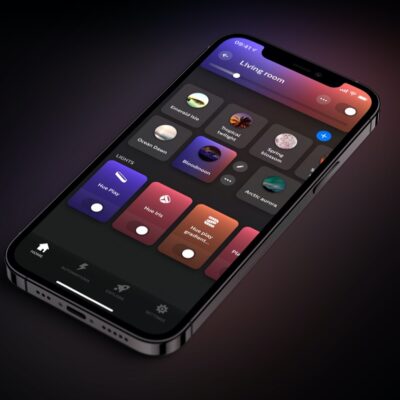
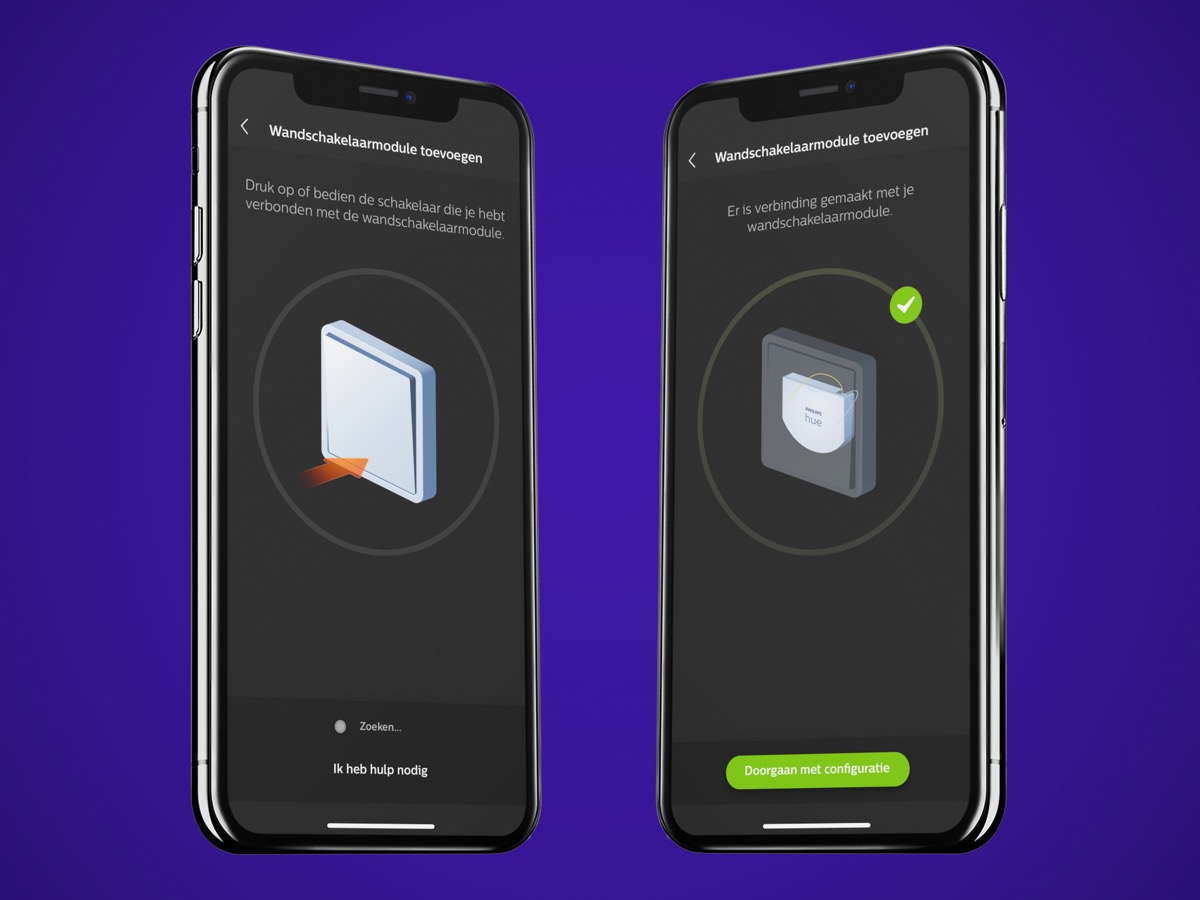
First of all, you will have to select the wall switch module in the Philips Hue app in the settings, just like other switches, and start the configuration.
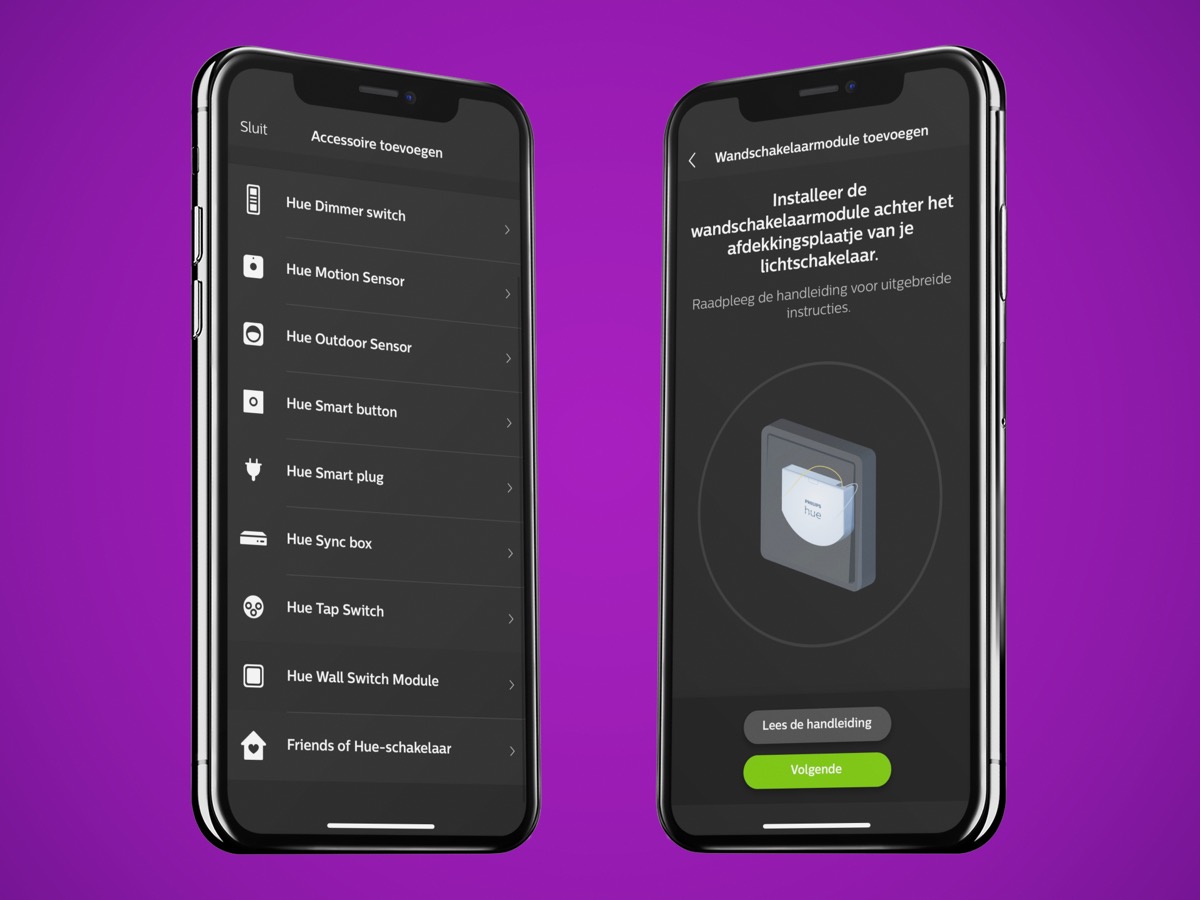
To pair with the Hue Bridge, the light switch equipped with the Hue Wall Switch Module must then be pressed. We already know this from other Hue switches.
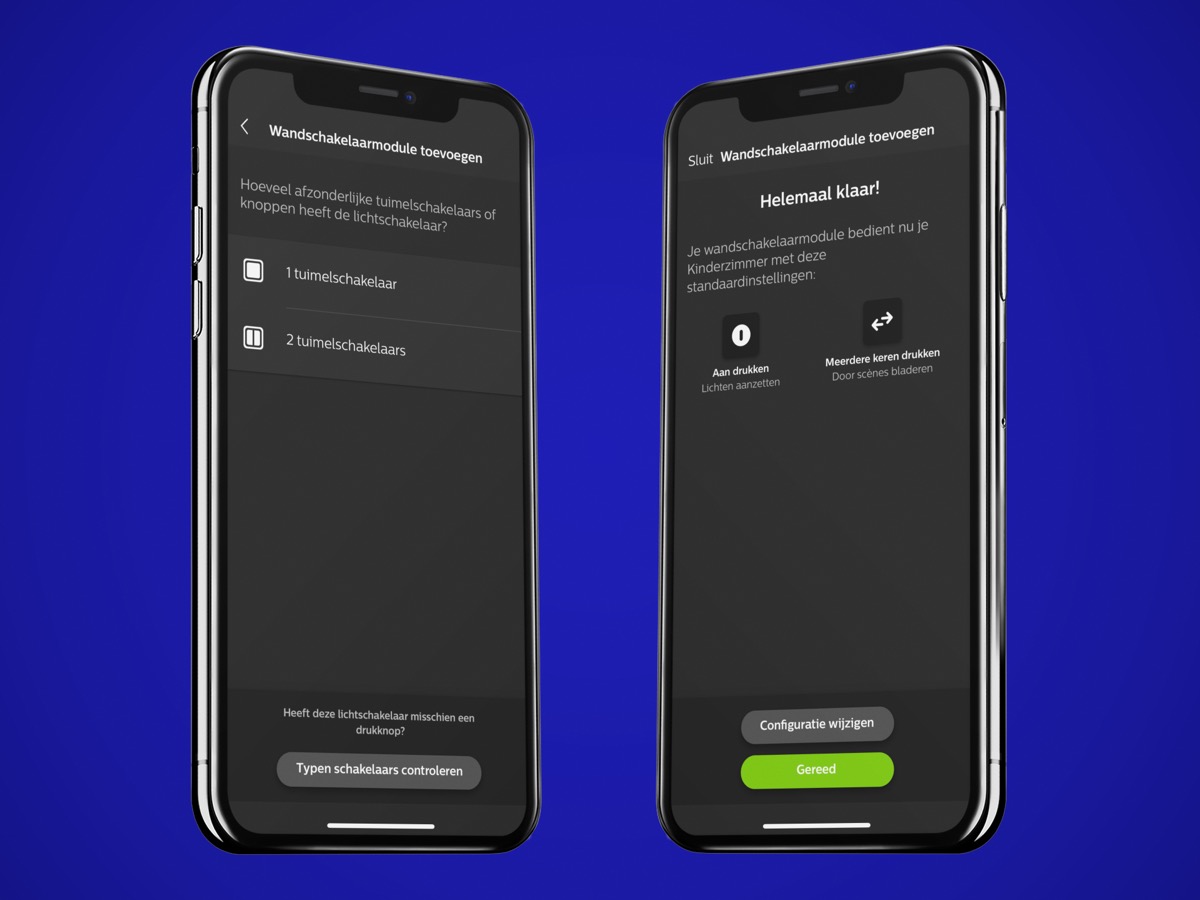
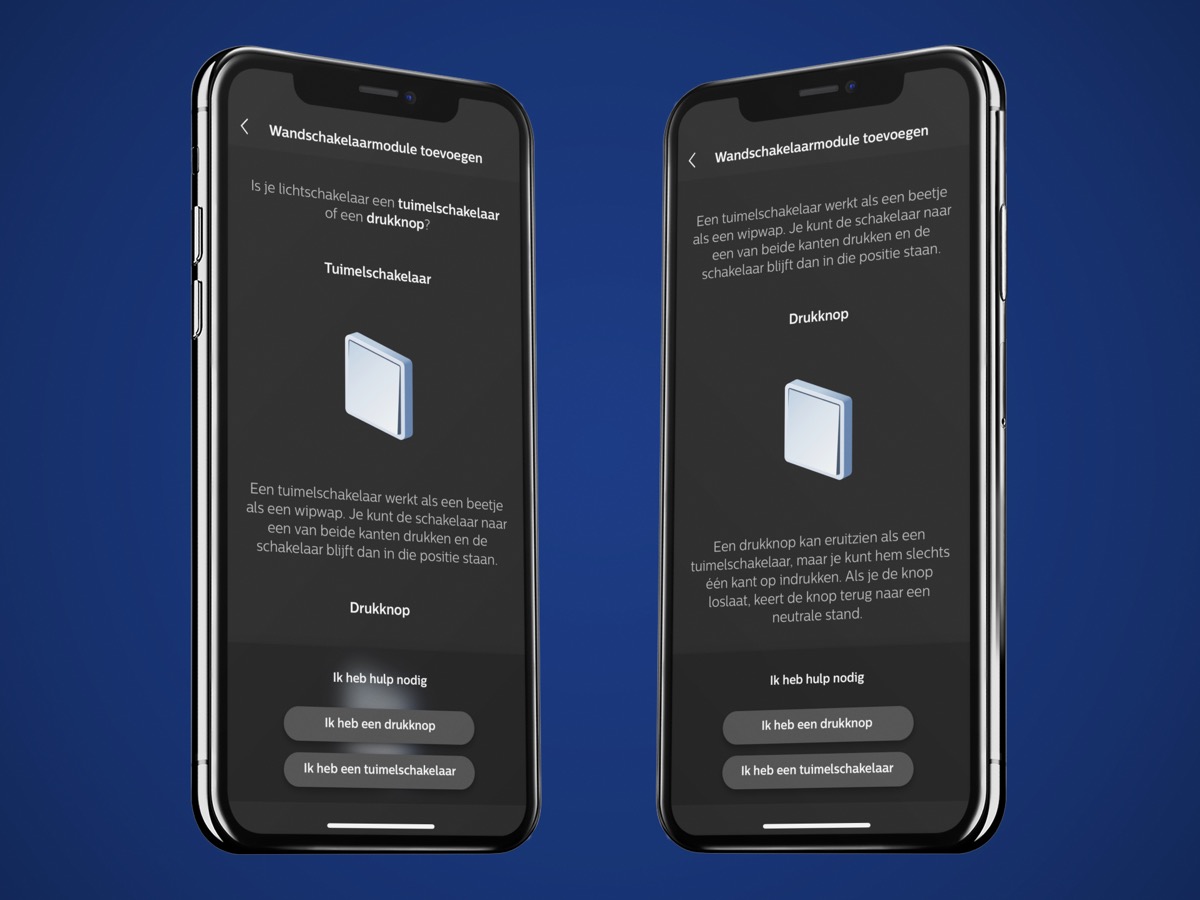
After that, there seem to be several options. In addition to the choice between one or two switches, it will also be possible to select one or two push-buttons. This function has already been officially announced and when used with a push button, the wall switch module can even be used for dimming.
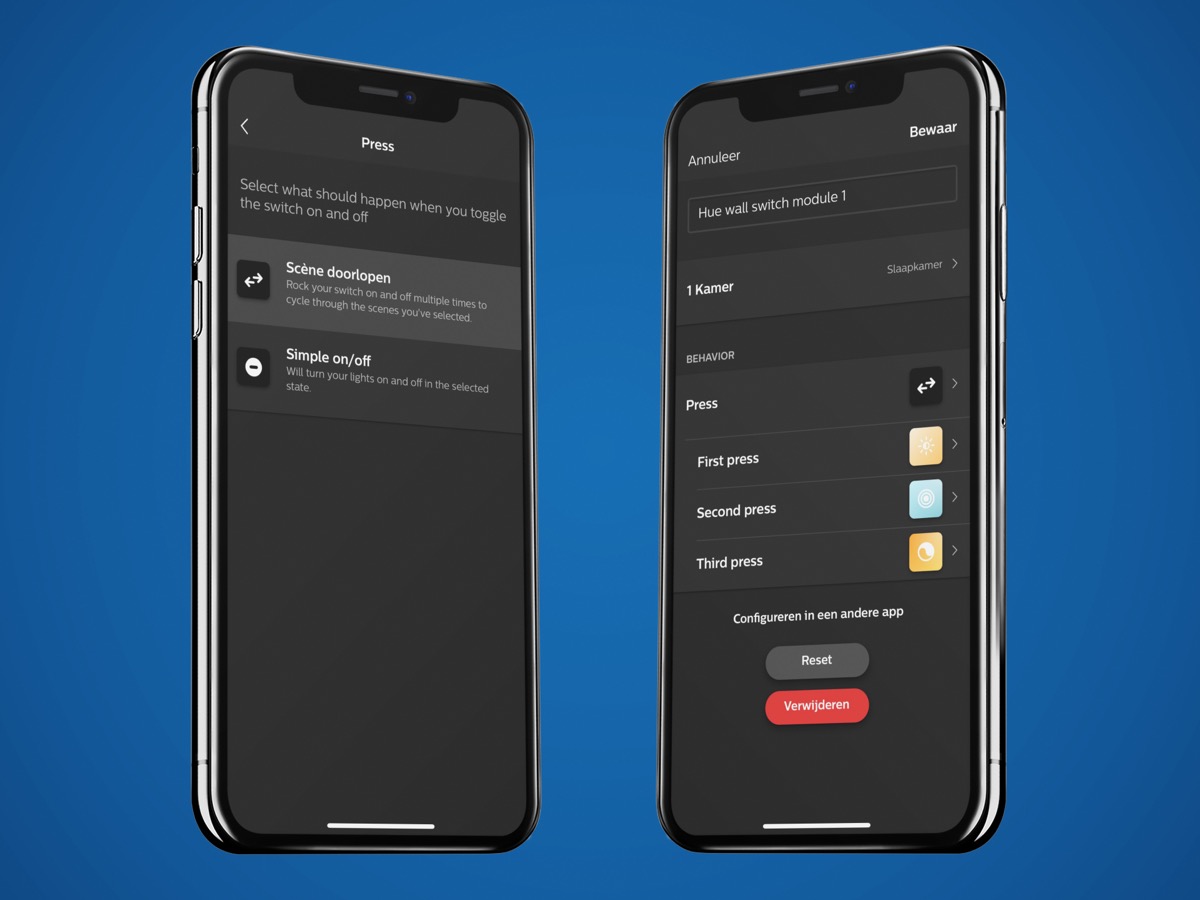
In most cases, however, the configuration should look like this. Three scenes can be switched through with the module.
In the past weeks I have already collected a lot of information about the Philips Hue Wall Switch Module. In particular, the apparently quite simple setup and the complete configuration via the Hue app are a very big plus point for me. For me, it is already clear that several rooms will be equipped with the new accessories.

Hey Fabian,
thanks for sharing.
Could you please share a picture on how this accessory is exposed into HomeKit?
Thanks!
BR.