







 Fabian
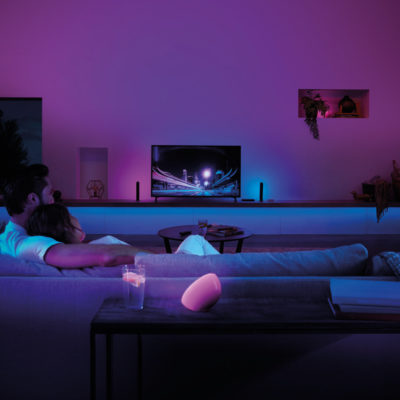
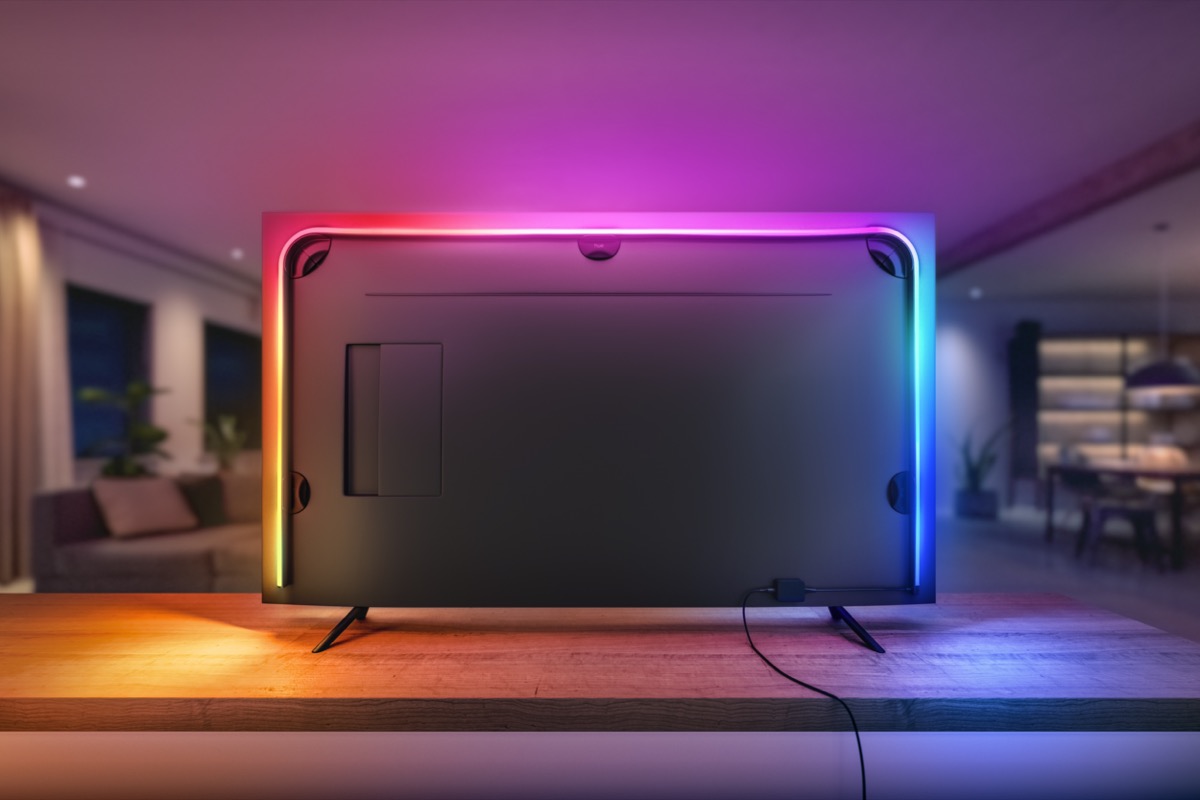
With the launch of the new Philips Hue Play Gradient Lightstrip, the manufacturer has already announced its intention to enable colour control of the seven zones of the lightstrip via the Hue app with a future software update. Until the Gradient Lightstrip works without the Philips Hue Play HDMI Sync Box, a little patience is still needed.
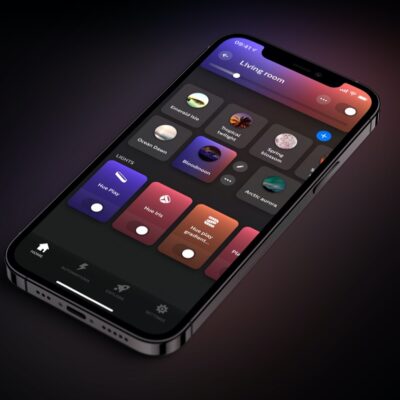
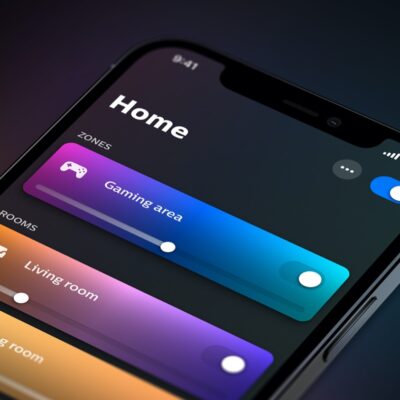
Unless you use iConnectHue. The versatile iOS application, which is highly recommended for configuring the Hue system, supports the Gradient Lightstrip with the now released version 4.3 in discotainment mode.

All you need to do is create an entertainment area in the Hue app and then use the discotainment function and the iPhone or iPad microphone to light up the Gradient Lightstrip to match the beat of the music playing in the room. This works in iConnectHue even without the otherwise necessary HDMI Sync Box.
But it goes one step further: iConnectHue now also allows you to set the entertainment lights to retain their current colours after the sync ends. In this way, the Gradient Lightstrip can already be made to glow in several colours. How exactly this works, I will show you in the following german-speaking video.
iConnectHue currently costs 5.49 euros, with an additional 3.49 euros for the Discotainment function. Certainly not quite cheap, but iConnectHue in particular is worth the price.
It will probably take some time until the Gradient Lightstrip can shine in different colours even without the discotainment workaround. The developer of iConnectHue would love to make simple control possible right now, but Philips Hue must first create the necessary possibilities in the system.
